

The most effective way to reduce screen time for kids is to agree on clear rules together, replace screens with appealing alternatives and change your own habits too. A predictable family media plan, manageable changes and appealing screen free activities for kids can make transitions easier. This guide gives you a step-by-step plan that works for toddlers through teens.
Step 1: Know your starting point
Before changing anything, find out how much screen time your family uses. Check built-in tools such as Screen Time (iPhone) or Digital Wellbeing (Android), or keep a simple log for a week. Include your own use, since children notice. Separate schoolwork, video calls, creative use and recreational scrolling, then note when screens creep in: mornings, meals, car rides, after school or bedtime.
Step 2: Make a family media plan
A family media plan is a written agreement about when, where and how screens are used. Involve children in making it: they are far more likely to follow rules they helped design. The AAP offers a free online Family Media Plan tool you can adapt. Its current guidance also asks families to consider the child, content, calming, what media crowds out and communication—not just minutes on a timer.
Include:
- Screen-free times: meals, one hour before bed, the first hour after waking.
- Screen-free zones: bedrooms, the dining table, bathrooms.
- Daily or weekly limits: choose boundaries around your child’s age and needs so recreational media does not displace sleep, activity, learning or relationships. A single time allowance does not fit every school-age child.
- Content rules: what is okay to watch or play, and what needs permission.
- Follow-through: agree in advance on calm, proportionate responses if a rule is broken; avoid making extra screen time the default reward.
- A review date: update the plan every few months.
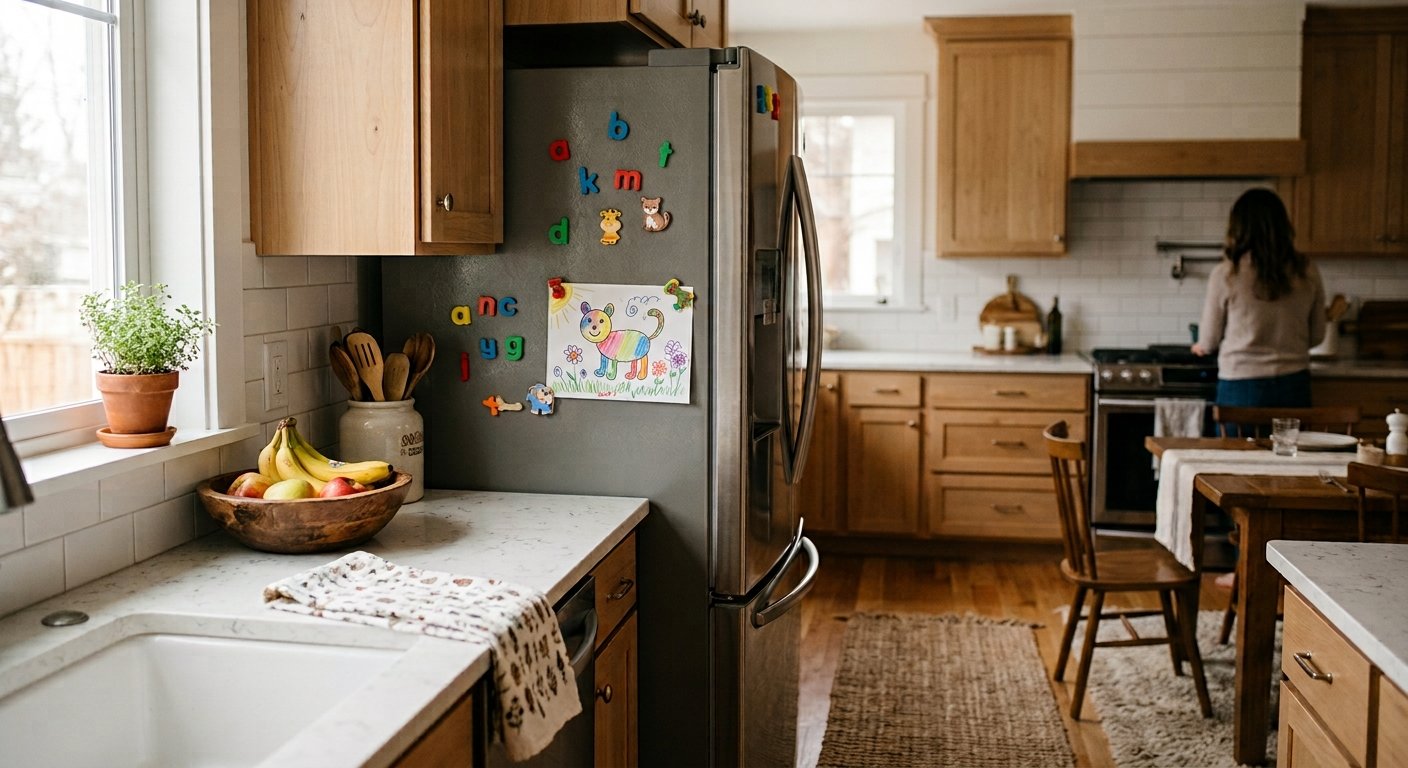
Step 3: Set screen time limits that stick
- Be specific. "After homework and chores" is clearer than "not too much."
- Use timers and built-in controls. A visual timer, parental controls or app limits can support predictable transitions, but children still need adult guidance.
- Give warnings. "Ten more minutes, then we turn it off." Transitions are the hardest part.
- Choose natural stopping points such as the end of an episode or level, not mid-action.
- Be consistent. Enforce rules calmly and the same way each day.
- Avoid screens as rewards or punishments. This makes screens seem more valuable.
- Keep devices out of bedrooms overnight, and charge them in a shared spot.
Step 4: Offer real alternatives
Screen use can fill many needs, including entertainment, connection, comfort and boredom relief. Make other options easy and fun.
Screen free activities for kids
- Outdoors: bike rides, scooters, nature scavenger hunts, playground trips, gardening.
- Creative: drawing, painting, playdough, craft boxes, building with blocks or LEGO.
- Active: dance parties, obstacle courses, sports, swimming.
- Quiet: books, audiobooks, puzzles, board games, card games.
- Helpful: cooking, baking, setting the table, washing the car.
- Social: playdates, family game night, calling grandparents.

For younger children, rotate a few simple play materials and join in when you can. Leave room for unstructured play, while helping children who need support to get started.
Step 5: Model the habits you want
Children copy what they see. Put your phone away at meals, avoid scrolling during conversations, and keep your own screen-free times. Say aloud why: "I’m putting my phone in the drawer so I can focus on you." If you are looking to change your own habits, our guide to managing social media overwhelm can help.
Step 6: Handle pushback
Expect protests, especially at first. Tips:
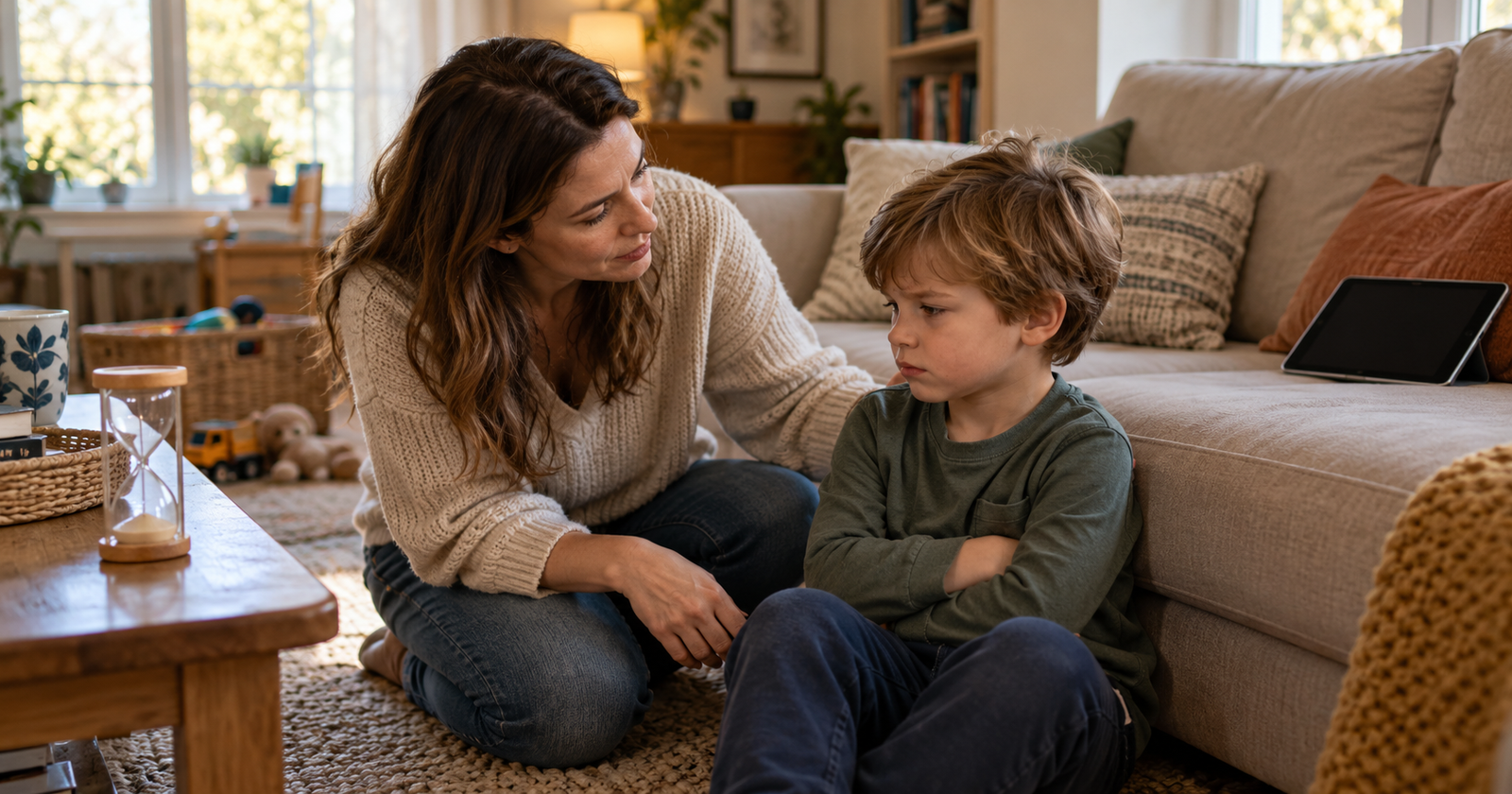
- Stay calm and empathetic: "I know it’s hard to stop. I’d be annoyed too."
- Hold the limit without long debates.
- Keep reasonable limits consistent while checking whether your child needs food, rest, connection or help with the transition.
- Use a gradual approach: cut 15 minutes every few days instead of all at once.
- Explain the why in age-appropriate words: sleep, brains, family time.
- Celebrate wins: "You stopped so well today."
Age-specific tips
- Toddlers: use routines, offer a comfort alternative, and keep TV off in the background.
- Preschoolers: use visual timers and a "screens are for after lunch" rule.
- School-age: involve them in the plan, agree on predictable recreation windows and protect time for homework, play and friends.
- Teens: negotiate, respect autonomy, agree on phone-free sleep and meals, and talk about how apps are designed to keep them scrolling.
When to seek help
If screen use is causing serious distress, withdrawal from friends and activities, problems at school, mood changes or loss of sleep that you cannot manage, speak to your pediatrician or a child mental health professional.
The takeaway
Lasting change comes from a shared plan, consistent limits, appealing alternatives and your own example. Start small, expect some resistance and adjust as your child grows.
Disclaimer: This article is general information, not medical advice.