

To stop doomscrolling, make it harder to scroll, give yourself a better thing to do and set clear limits on when and how you consume news. Feeds are designed to keep you engaged, so changing your environment and routines can make it easier to stop. Below are 12 practical ways to break the doomscrolling habit, including how to handle doomscrolling at night and how to limit news scrolling without losing touch with the world. Doomscrolling means repeatedly consuming distressing news or online content even when it leaves you feeling worse.
1. Notice your triggers
For a few days, jot down when you doomscroll and what came just before: boredom, stress, loneliness, a news alert, or the first minute in bed. Patterns show you where to intervene.
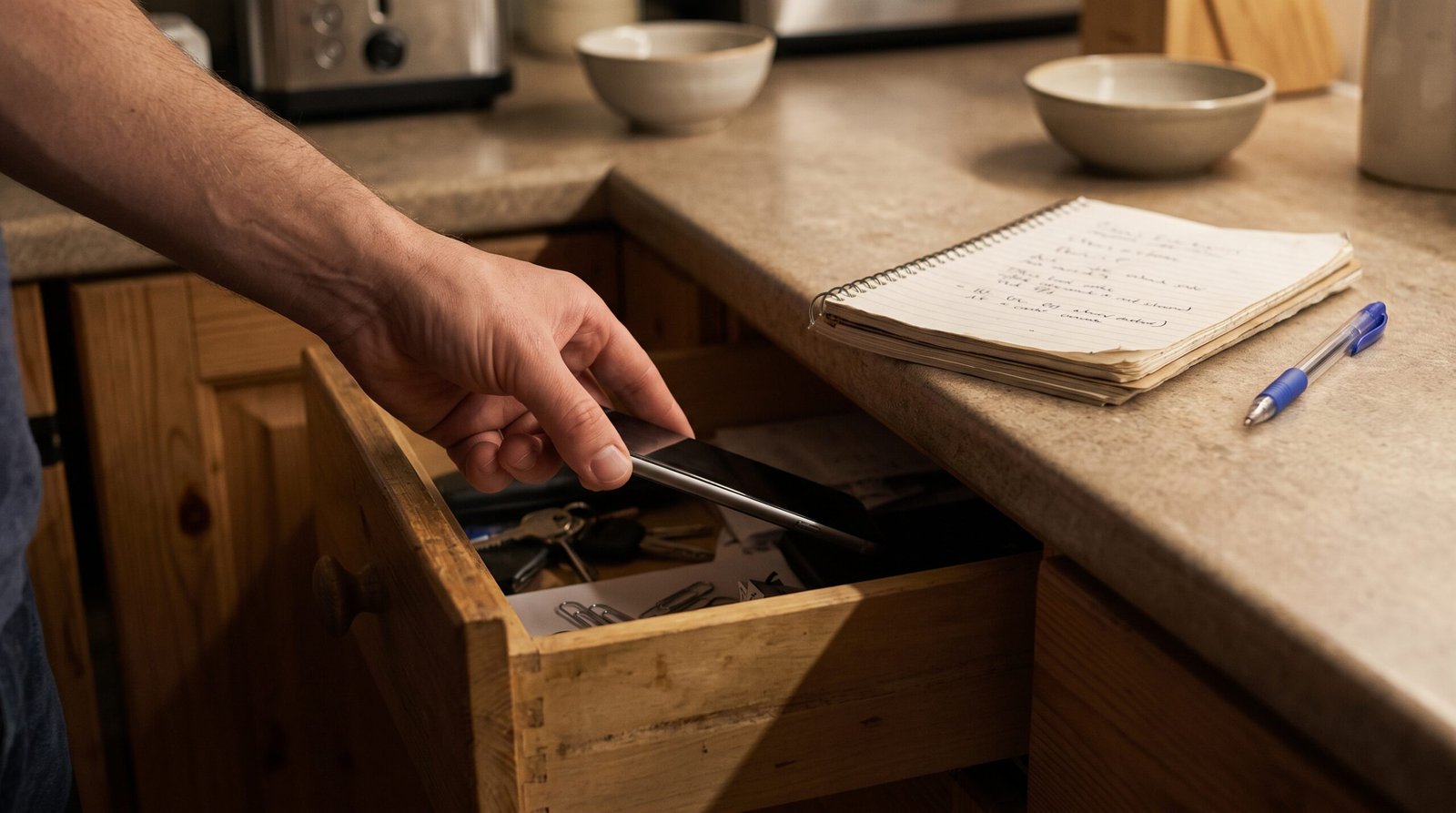
2. Add friction
Make scrolling a little harder so you pause and choose.
- Move news and social apps off your home screen, or into a folder.
- Log out after each use.
- Delete apps you scroll most and use the browser version instead.
- Try a grayscale display if a less colourful screen helps you disengage.
3. Turn off notifications and alerts
Breaking-news pings can pull you back into the loop. Turn off non-essential news and social notifications, while keeping official local emergency alerts and any urgent updates you rely on enabled.
4. Set app limits
Use built-in tools such as Screen Time (iOS) or Digital Wellbeing (Android) to set a daily time limit on news and social apps. When the limit hits, treat it as a stop sign, not a suggestion. If you ignore it constantly, ask a friend to hold the passcode.
5. Choose set "news windows"
Instead of checking all day, pick one or two short windows, say 15 minutes at lunch and 15 in the early evening. Use a timer, read or listen to a few trusted sources, and stop when it rings. Knowing you will check later makes it easier to resist now.
6. Switch from feeds to finite sources
Feeds are infinite, but a daily newsletter, a news podcast or a printed paper has an ending. Pick one or two reliable outlets that summarise the day, and let the rest go.
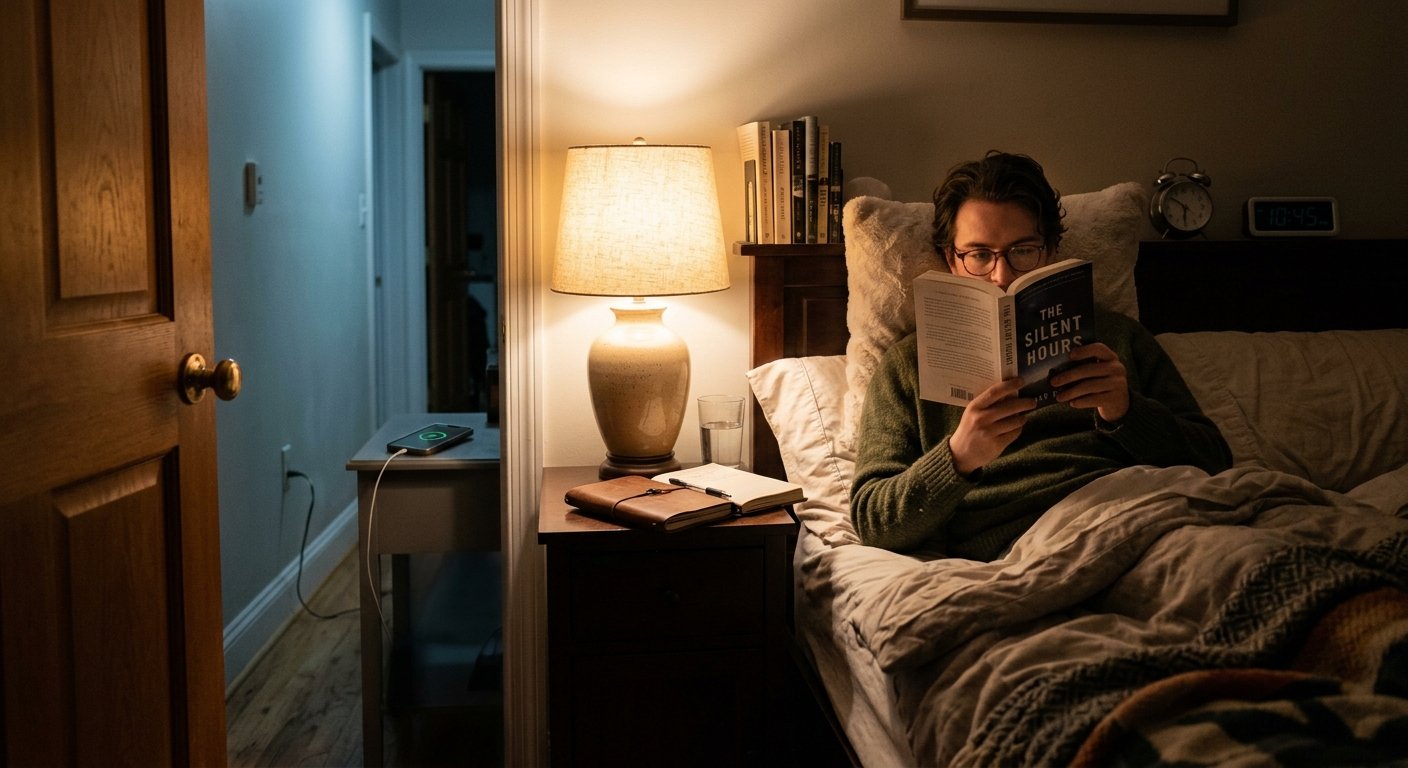
7. Fix doomscrolling at night
Late-night scrolling can be hard to resist and may interfere with sleep.
- Charge your phone outside the bedroom. Buy an alarm clock if needed.
- Set a phone curfew 30 to 60 minutes before bed, and use "Do Not Disturb."
- Create a wind-down ritual: a book, stretching, a warm shower, calm music or journaling.
- Keep a notebook by the bed to write down worries so your brain can let go.
- If you wake at night, try slow breathing or a podcast on a timer instead of your phone.
8. Replace the habit with something else
Breaking a habit works best when you swap it for another. When you feel the urge, try:
- A short walk or a few stretches
- Texting or calling a friend
- Making tea, or cooking something
- A puzzle, a book or a hobby
- Five minutes of deep breathing
Keep the replacement within reach, such as a book on the sofa where the phone usually sits.
9. Pause before opening
When you reach for your phone, wait ten seconds and ask: "What do I need right now?" If you need information, go to the source you chose. If you need a break, comfort or company, scrolling is rarely the best fit.
10. Curate your feeds
Mute or unfollow accounts that reliably leave you stressed. Follow some accounts that are informative or uplifting. Use features like "not interested" or time-limited muting to shape recommendations, though algorithms can be stubborn.
11. Turn worry into action
Doomscrolling can create a sense of helplessness. Channel concern into something concrete: donate, volunteer, contact a representative, support a local group or help a neighbour. Even small actions restore a sense of agency. Our article on news anxiety explores this further.
12. Be kind to yourself
Slip-ups are normal. Notice, name it ("I’m doomscrolling"), put the phone down and start again. Shame feeds the habit, while self-compassion helps break it.
A simple 7-day reset
| Day | Action |
|---|---|
| 1 | Track your scrolling and triggers |
| 2 | Turn off news and social notifications |
| 3 | Move apps off the home screen |
| 4 | Set app time limits |
| 5 | Charge your phone outside the bedroom |
| 6 | Choose two news windows and one finite source |
| 7 | Review what helped, and keep it |

For more on making social feeds feel less overwhelming, see our guide to managing social media overwhelm.
When to get support
If scrolling feels out of your control, or if anxiety, low mood, panic or trouble sleeping persist, talk to a doctor or a mental health professional. Therapies such as cognitive behavioural therapy can help with both worry and habits.
The takeaway
You do not have to cut yourself off from the news. Use fewer sources at fixed times, make scrolling harder, give your evenings better options and treat slip-ups kindly.
Disclaimer: This article is general information, not medical advice.